
PINKIE PROMISE Controls
Jump the logs, crouch the beams, hold breath in the closet.
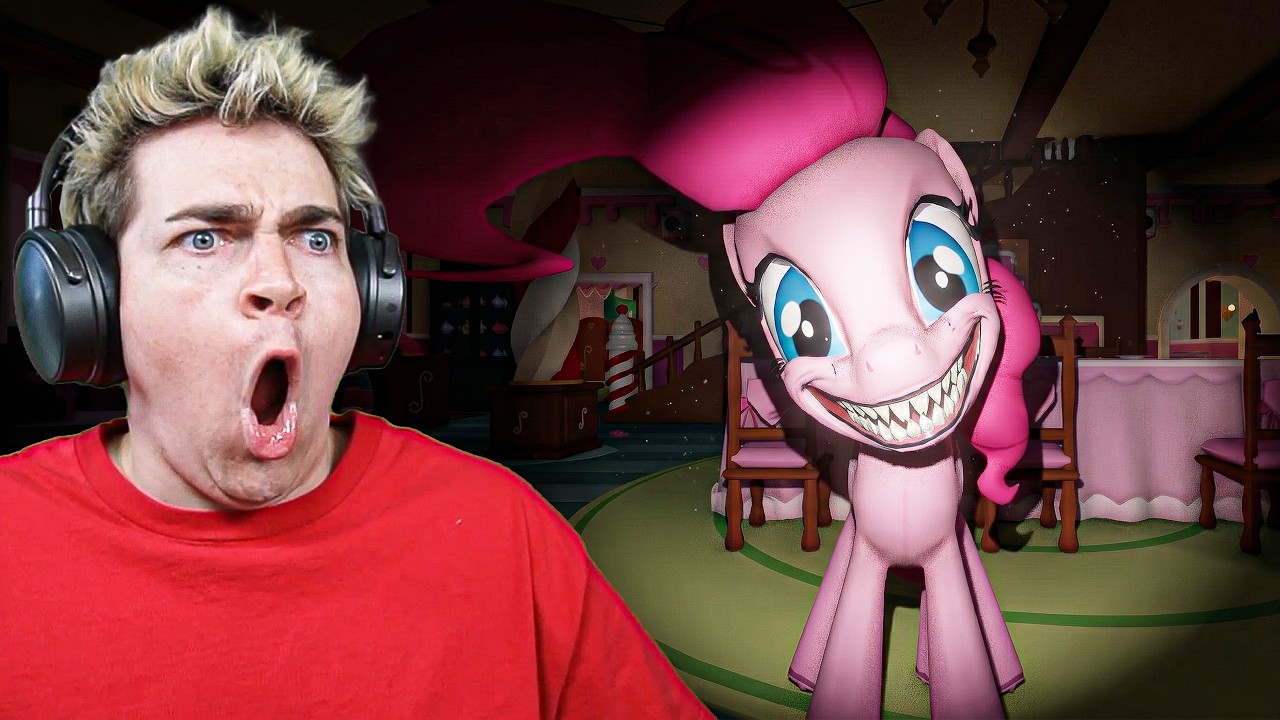
PINKIE PROMISE uses standard Roblox movement plus a handful of story prompts. The experience does not publish a unique keybind screen with custom combat skills. What matters is hitting the on-screen interact the current objective names, then using jump and crouch during chases. This page is the device-agnostic list. Pair it with hiding spots for searches and with the Chapter 1 / Chapter 2 routes for when each prompt appears.
Movement you will actually need
- Move — default WASD on keyboard, left stick or on-screen stick on mobile.
- Jump — Space on keyboard. You need this on the Everfree track (logs) and in Chapter 2 Laser Hop (ground lasers).
- Crouch — C on many PC layouts, or the crouch button on mobile. Everfree wants crouch under branches. Laser Hop wants crouch under the high cyan beam.
- Camera — right mouse drag on PC, swipe on mobile. In dark forest corners a slightly raised camera helps you see glowcaps and fuse carts.
- Interact / Use — E on keyboard, tap the prompt on mobile. Buckets, apples, drawers, closet doors, vault keypad, crate packing, and the spare key all use this.
If a prompt does not show, walk closer until the highlight appears. Side secrets such as window smiley faces use the same interact. The game will not tell you which interactables are lethal; that is what secrets and badges is for.
Hide and breath
Hiding is a two-step interact: enter cover, then hold the breath prompt when it appears. A tap is not a hold. On mobile, keep your thumb down. On keyboard, keep the key down until she walks past. Releasing early is the same as standing in the hall.
There is no dedicated “stealth stance” that makes you invisible in the open. Crouch in a corridor does not equal a locker. Read hiding spots before you try to out-skill a search.
Chapter-specific prompts
Barn fire. Interact with buckets, then with flames, then herd chickens by walking behind them up the ramp. No special fire-hose key.
Everfree chase. Jump, crouch, keep moving. Missing a prompt here is how you earn Lost in the Everfree.
Party checklist. Interact with each named chore. The spare key is a drawer interact, then a door interact. Dialogue choices appear as on-screen buttons; the honest pinkie promise is the story choice.
Factory shift. Station interacts along the belt. The cure tin is a place-item interact during the two-minute break.
Vault keypad. Walk up, type 6555, confirm. Laser Hop reuses jump and crouch. Pinkie Says is a follow-the-text minigame: only obey lines that begin with “Pinkie Says.”
Crate escape. Pick up stuffing and cupcakes, interact with the crate, then hide inside it the same way you hide in a locker.
Mobile versus PC
Mobile prompts differ in placement, not in meaning. If a written guide says Space or C, look for Jump and Crouch on your HUD. The Shop and Codes tab are still on the main menu; they are harder to tap in portrait. Landscape helps. You cannot open Codes mid-chapter on either device — see how to redeem.
Shift lock is optional. Some players prefer it for Laser Hop so the camera does not drift while jumping double beams. It is not required for the bakery searches.
Accessibility and settings
Roblox graphics quality changes how dark the Everfree and the factory feel. If you cannot see locker handles, raise brightness or consider the 39 Robux Flashlight. The Flashlight is a pass, not a keybind; once owned it is available in dark scenes. Rank it on the shop tier list.
Voice chat is not supported on the experience. You will still hear character VO in scenes. Mute Roblox chat if a 24-player lobby is noisier than Pinkie.
If a prompt never appears
Rejoin. Chapter 2 launched with public notes about minor bugs. A stuck interact is more often a server hiccup than a missing key. Do not buy a Season Pass to fix a prompt. Check updates if a patch just shipped, then try a new server.
New players should skim this page, redeem codes, and start getting started. You do not need a custom keybind overlay to finish either live chapter.
Frequently Asked Questions
Quick answers for Pinkie Pie's party, codes, hiding, and Chapter 2.
What key is crouch in PINKIE PROMISE?
C on a typical PC Roblox layout. Mobile uses the on-screen crouch button. You need it for Everfree branches and Laser Hop.
How do I hold my breath?
After you enter a closet or locker, hold the on-screen breath prompt. A tap will not last through the search.
Is there a unique combat keybind?
No. The story uses movement, interact, and minigame prompts. There is no M1 attack loop.
Do mobile players get different puzzles?
No. Prompts are the same. Buttons sit in different HUD slots, so look for Jump, Crouch, and Interact rather than letter keys.